Your collections
Search and sort
Find items by any of their details, and sort a collection by one field or several.
Search a collection
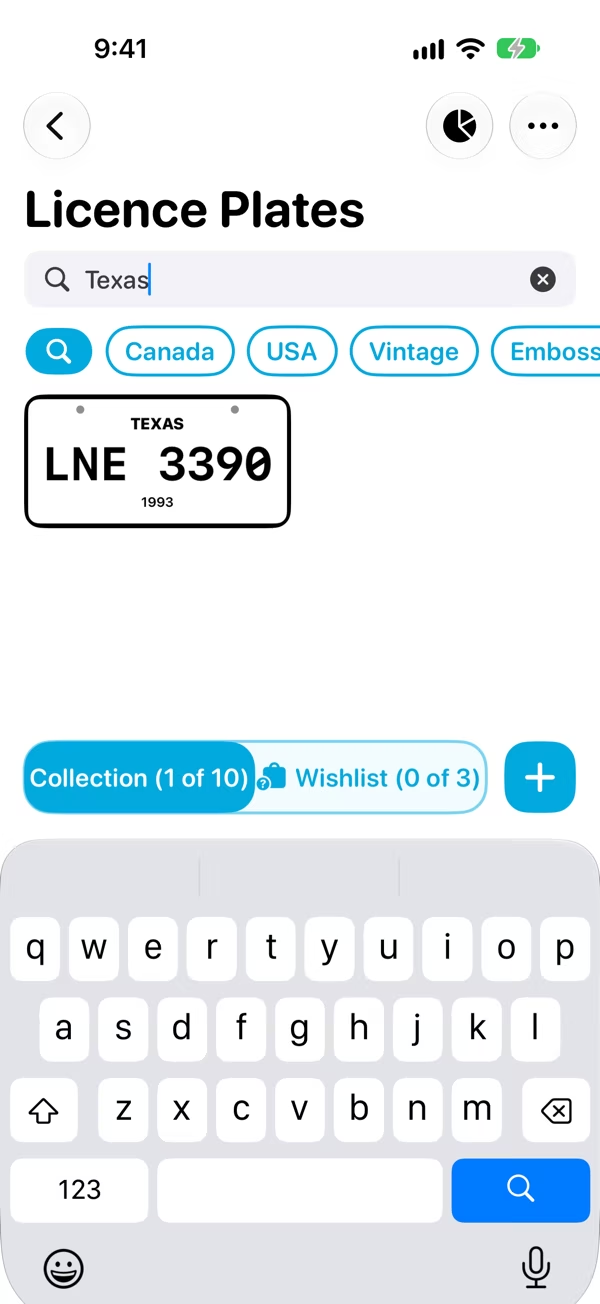
Open the collection and tap the magnifying glass at the start of the tag row (or press ⌘F). Type into Enter a search term.
Classifier searches every field of every item. With more than one word, it shows the items that match all of them, so Texas 1994 finds the Texas items from 1994. You can search and filter by tags at the same time.
Sort a collection
Tap ⋯, then Sort Collection, and pick a field to sort by. Pick another field to sort by that next: each one is numbered in the order it applies. So you could sort by Country, then by Year within each country.
- Sort Order switches between Ascending and Descending.
- Tap a field that's already picked to take it out of the sort.
- Reset clears the sort.
The Collection and the Wishlist each remember their own sort, and Classifier keeps it for next time.