Settings & sync
Customize Classifier
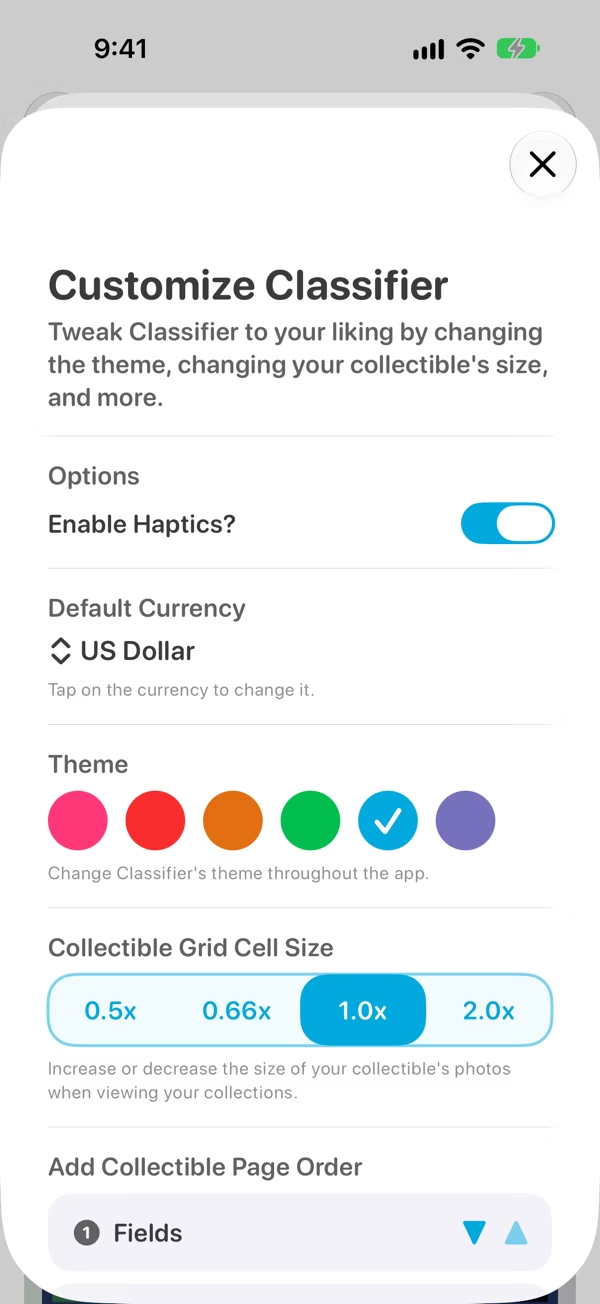
Turn haptics on or off, set your currency, reorder the add-item pages, and change the theme and item size.
Open Settings (the gear on the Collections screen, or ⌘, on a Mac) and tap Customize Classifier.
Haptics
Enable Haptics? turns the little taps you feel when you press buttons on or off.
Default currency
Currency fields show values in this currency. Tap it to pick another one from the list.
Add Collectible page order
When you add an item, Classifier asks for its Fields, then its Photos, then its Tags. If you'd rather start with the photo, move Photos to the top here.
ThemePro
Change Classifier's colour throughout the app: Blue (the default), Red, Orange, Green, Pink or Indigo.
Collectible grid cell sizePro
Make the photos in a collection's grid smaller, to fit more on screen, or bigger, to see more detail: 0.5x, 0.66x, 1.0x or 2.0x.